Calendar
In this section, you can create lists of excluded dates, such as holidays or dates when notifications will not be sent.
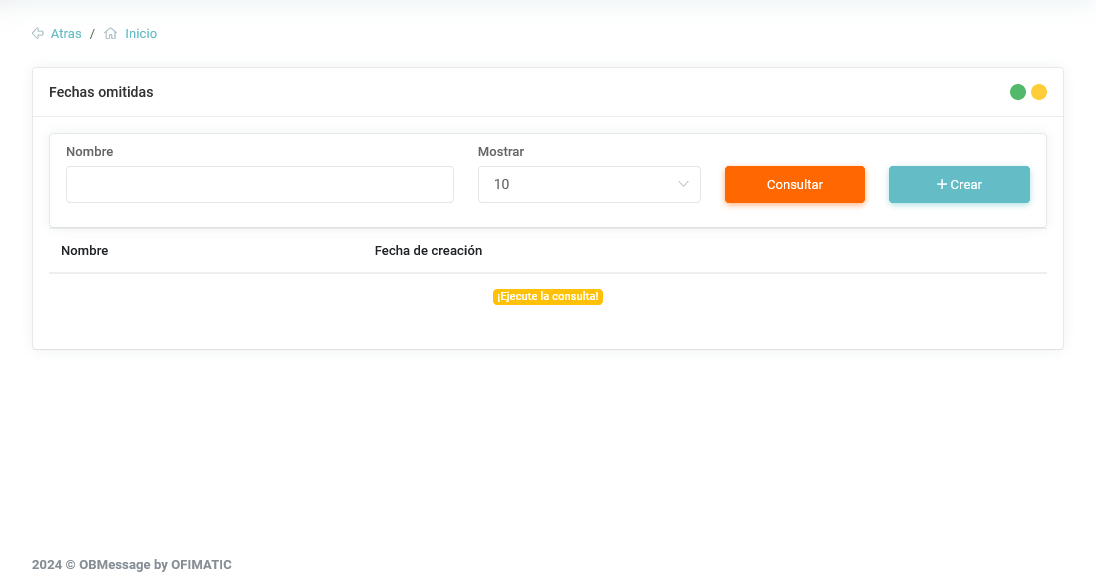
The table displays the following fields:
- Name: indicates the name used to save the excluded date list.
- Creation date: indicates the date when the list was created.
Information about excluded dates
To search for the assigned excluded dates, click the following button:

Create excluded date list
In this section, you can create different excluded date lists.
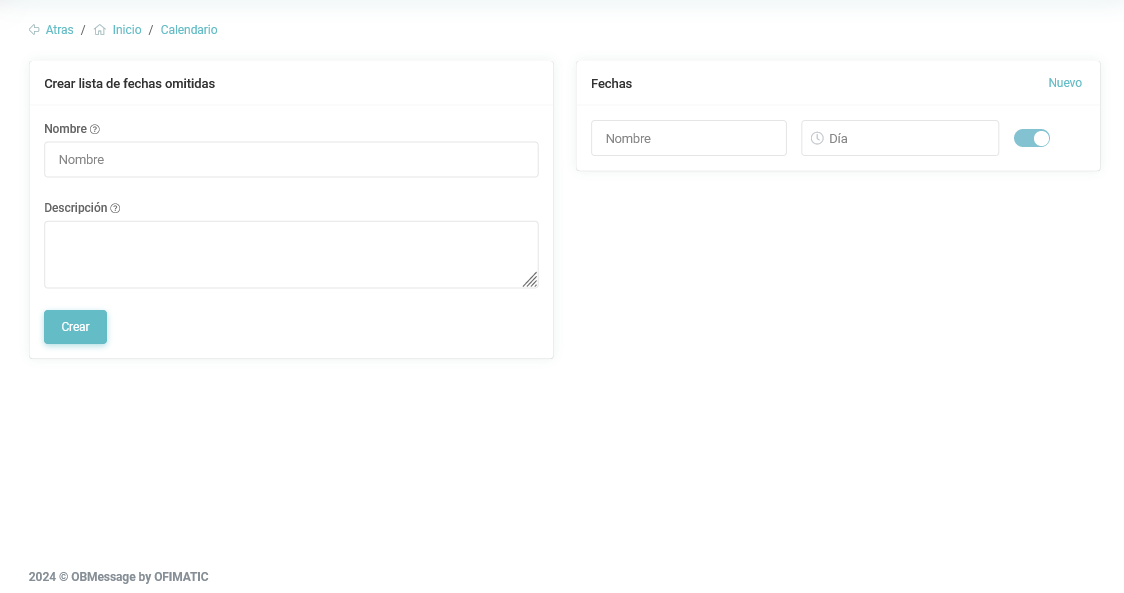
This section displays the following information:
-
Name: name of the list you want to create.
-
Description: description of the list you are creating.
-
Dates: dates that will be added to the list.
Information about dates
In the dates section, you can specify the name and the holiday date you want to add.
Considerations
To create a list, click the create button:
