Monitor
In this section, you can monitor in real time the Voice, SMS, WhatsApp, and Email notifications sent through the platform.
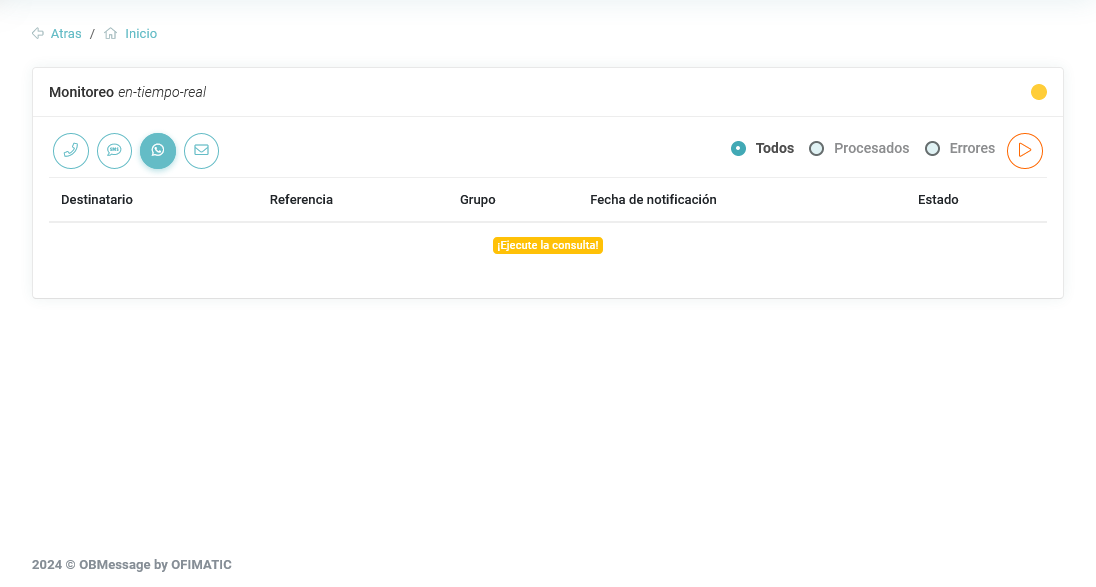
The monitor section contains the following fields:
- Recipient: phone number or email address of the message recipient.
- Reference: unique identifier of the
recipient. - Group: group to which the
recipientbelongs. - Notification date: moment when the message was sent.
- Status: indicates whether the message was sent successfully
OK, whether it was received or read, or whether an issue occurred during deliveryerror.
Services
You can choose from the following services:
- Voice
- SMS
Start monitoring
Real-time monitoring starts after pressing the orange button.
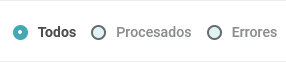
You can apply filters to the activity using the controls displayed next to the start button.
Activity detail
When selecting an activity, you can view its details as follows:
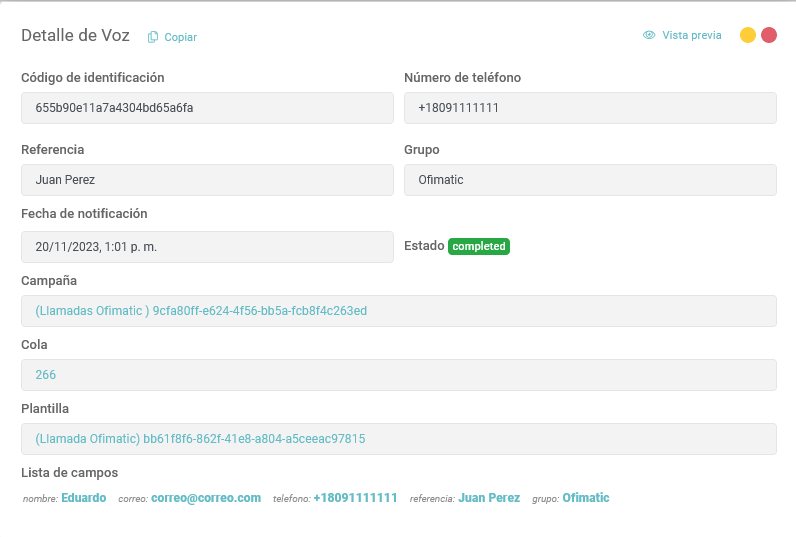
The form displays the following information:
- Identification code: unique code of the activity.
- Sender: provider or channel from which the notification was sent.
- Notification date: date when the contact was notified.
- Template: identifier of the template used to perform the delivery.
- Recipient: contact to whom the notification was addressed.
- Subject: subject or main description of the notification sent.
- Status: current status of the notification.
- Field list: editable fields contained in the template.
See the query section
To view previous records, go to the Query section.