Create email campaign
To create an email campaign, select the corresponding campaign type.
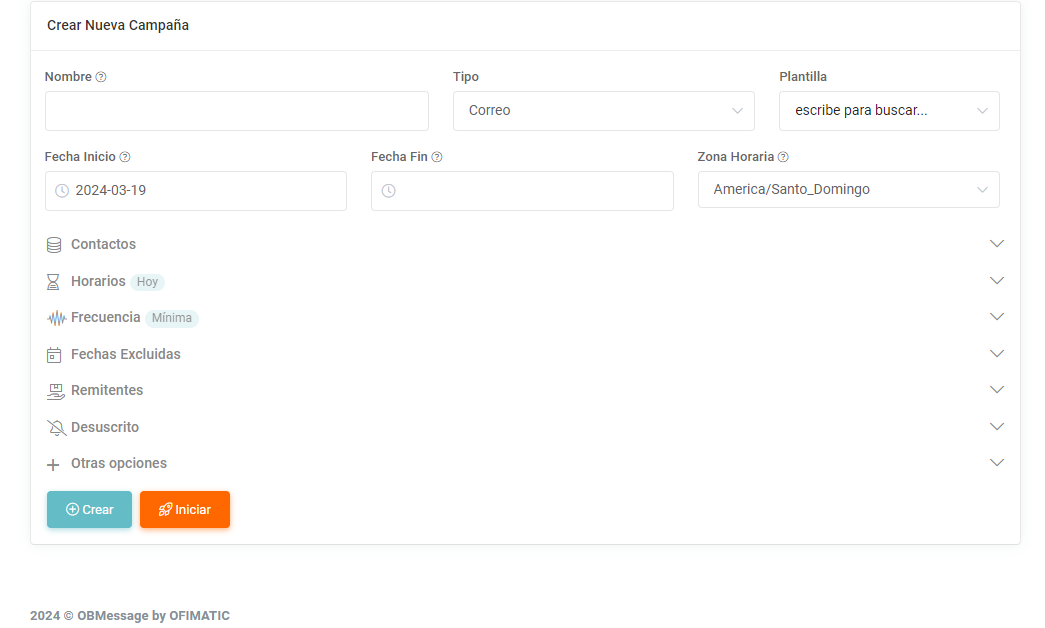
To create the campaign, select the campaign type you want to use. In this case, select the email campaign.
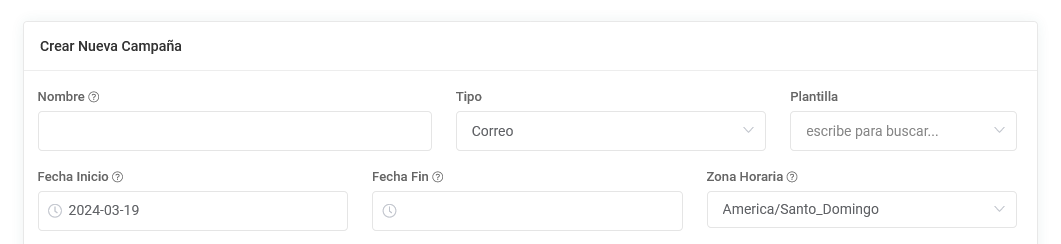
After selecting the campaign type, you must choose a template to continue with the creation process.
At the end of the creation process, you can add the unsubscribe group so it is sent together with the selected template. For more information, see the Unsubscribe section.
Considerations for creating an email campaign
- Only templates corresponding to the selected type will be displayed.
- You must choose a sender from the allowed list.

After completing the remaining fields in the form, you can decide whether to start the campaign or only create it. For more information, see this link or go directly to the Create and update section in the left sidebar menu.