Dashboard
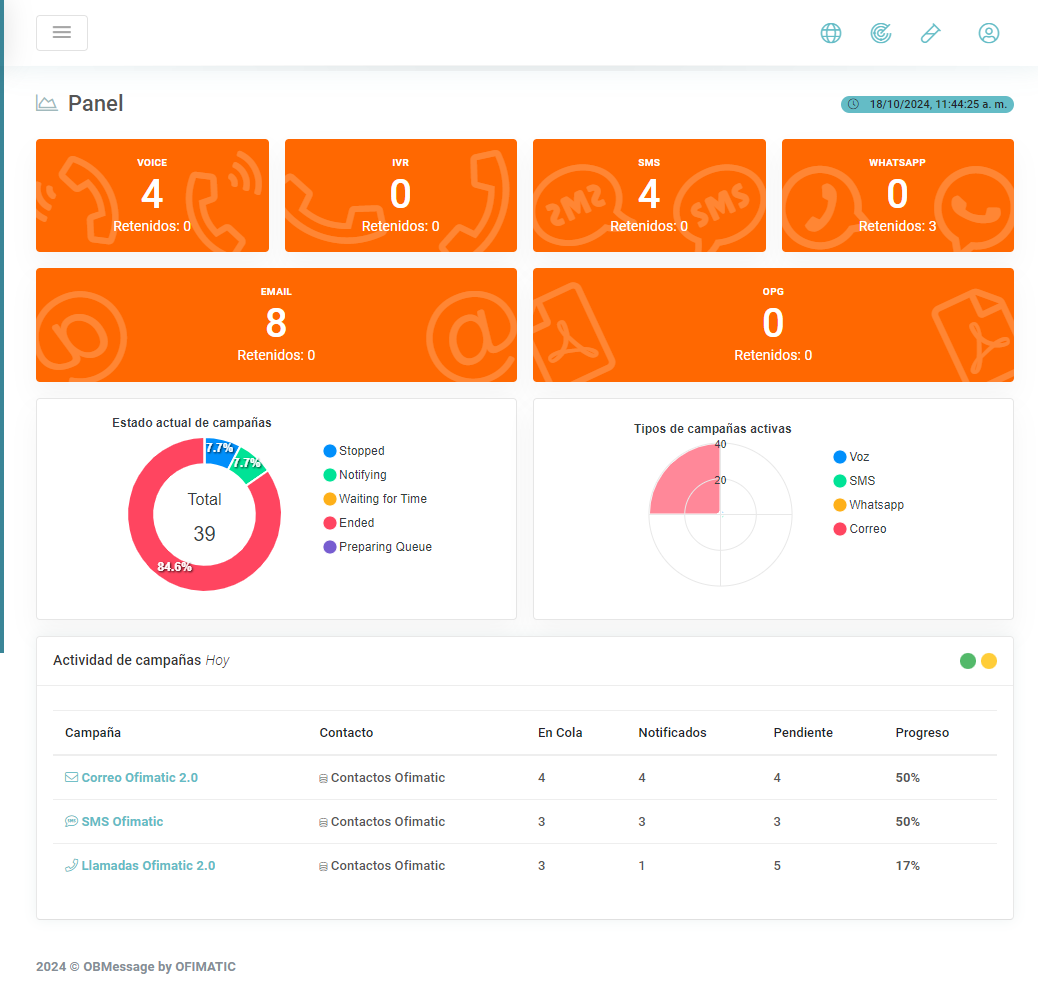
The dashboard provides a graphical view of key information to monitor OBMessage as effectively as possible.
Considerations
-
Chart information is reset daily.
-
By default, the
Live Updateoption is enabled to update all charts in real time.
Services
Voice
The voice service displays both outbound and inbound calls, each with independent values.
Outbound
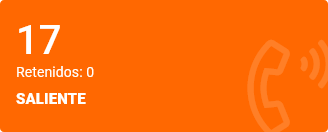
This widget shows the total number of Voice Outbound messages sent from the beginning of the day up to the current moment. These messages will be shown as retained if an error occurs during generation or delivery.
Inbound
This widget shows the total number of Voice Inbound messages received from the beginning of the day up to the current moment. These messages will be shown as retained if an error occurs during processing.

WhatsApp
This widget shows the total number of WhatsApp messages sent from the beginning of the day up to the current moment, as well as Retained messages that encountered an error during delivery.

Email
This widget shows the total number of Email messages sent from the beginning of the day up to the current moment, as well as Retained messages that encountered an error during delivery.

SMS
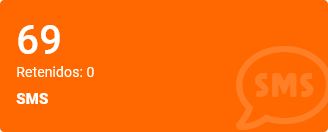
This widget shows the total number of SMS messages sent from the beginning of the day up to the current moment, as well as Retained messages that encountered an error during delivery.
Document
This widget shows the total number of Documents generated from the beginning of the day up to the current moment. Documents will be shown as retained if an error occurs during generation.

Current campaign status
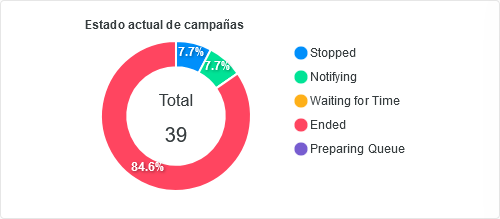
This section provides a graphical view of the number of campaigns by status in the platform.
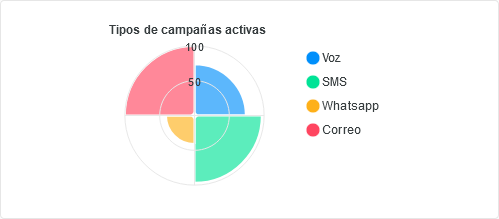
Active campaign types
This section provides a graphical view of the number of campaigns created, grouped by service.
Campaign activity
This section displays a table with the campaigns that are active during the current day.
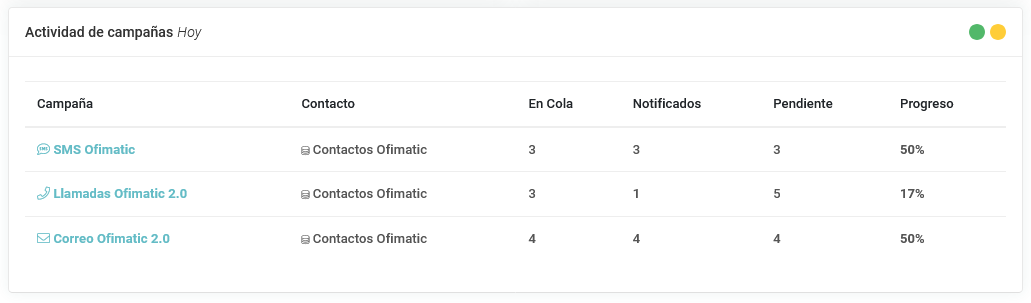
| Field | Description |
|---|---|
| Campaign | Name of the active campaign. |
| Contact | Loaded contact list. See the Contact list section. |
| In Queue | Shows the number of contacts currently in queue. |
| Notified | Shows the number of contacts that have been notified. |
| Pending | Shows the number of contacts still pending notification. |
| Progress | Shows, as a percentage, how much remains for the campaign to complete the day’s notifications. |