Service test
In this section, you can run tests for the different services available in OBMessage.
Voice
In this section, you can run tests to verify the operation of the voice call service.
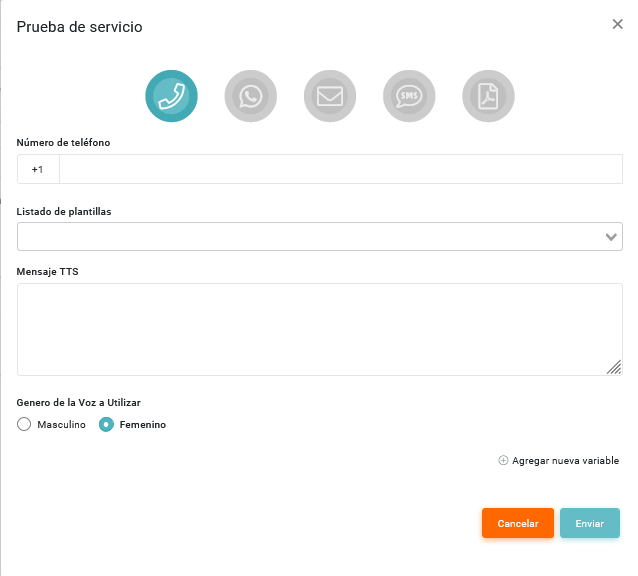
- Phone number: allows you to enter the number to which the test will be sent.
- Template list: allows you to select the template you want to send in the test.
- TTS message: allows you to enter the message content.
- Voice gender to use: allows you to select the voice gender that will be used.
WhatsApp
In this section, you can run tests to verify the operation of the WhatsApp delivery service.
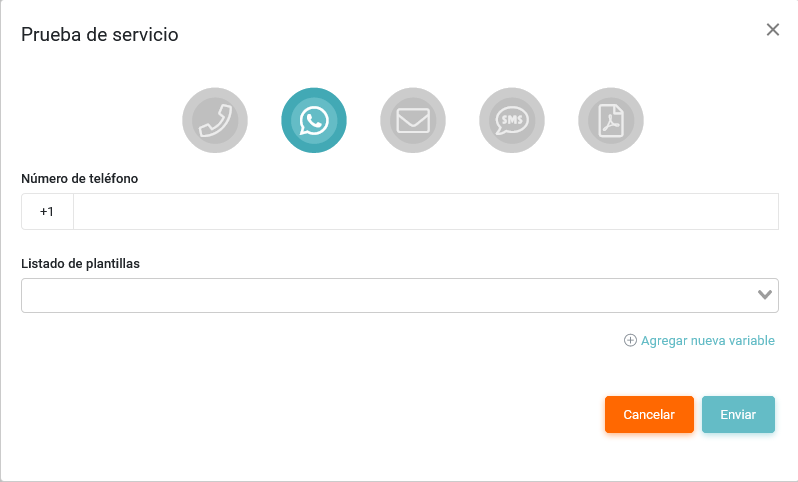
- Phone number: allows you to enter the number to which the test will be sent.
- Template list: allows you to select the template you want to send in the test.
Email
In this section, you can run tests to verify the operation of the email service.
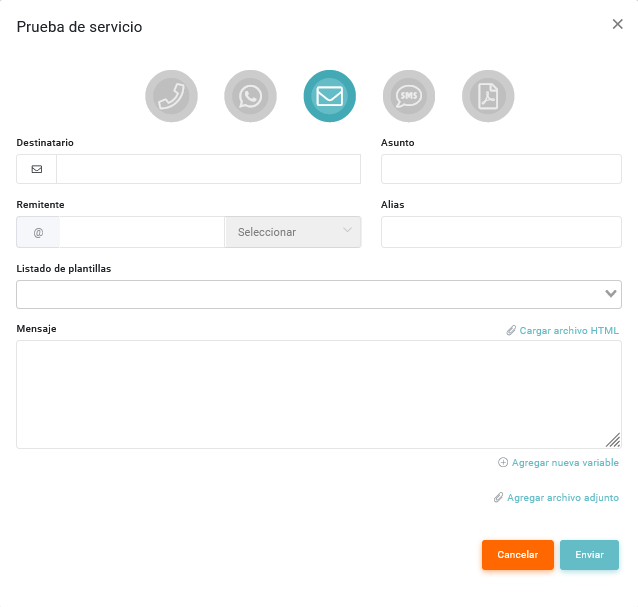
- Recipient: allows you to enter the email address of the message recipient.
- Subject: allows you to enter the email subject.
- Sender:
- Email address: allows you to enter the sender email address.
- Message: allows you to enter the message content.
- Template list: allows you to select the template you want to send in the test.
SMS
In this section, you can run tests to verify the operation of the SMS delivery service.
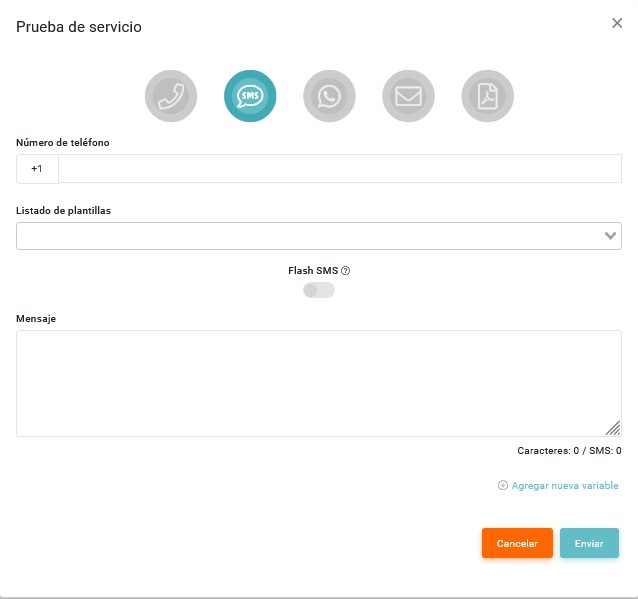
- Phone number: allows you to enter the number to which the test will be sent.
- Message: allows you to enter the message content.
- Template list: allows you to select the template you want to send in the test.
OPG
In this section, you can run tests to verify the operation of the OPG service.
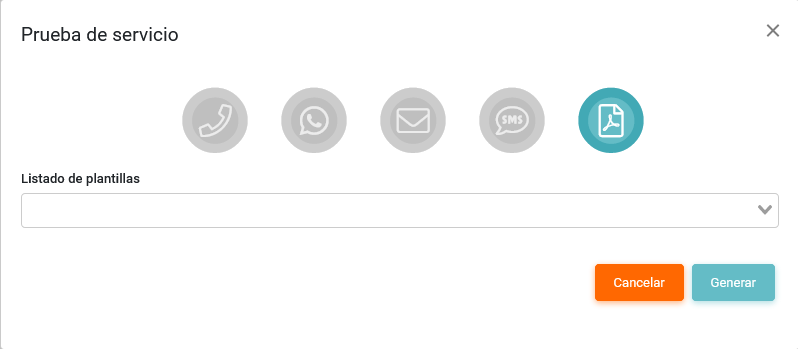
- Template list: allows you to select the template you want to send in the test.
Additional fields
You can add additional fields by clicking the Agregar nuevo campo button.