Email template
HTML builder
In this section, you can create an email template using a complete HTML builder, adaptable to different views and compatible with different email servers.
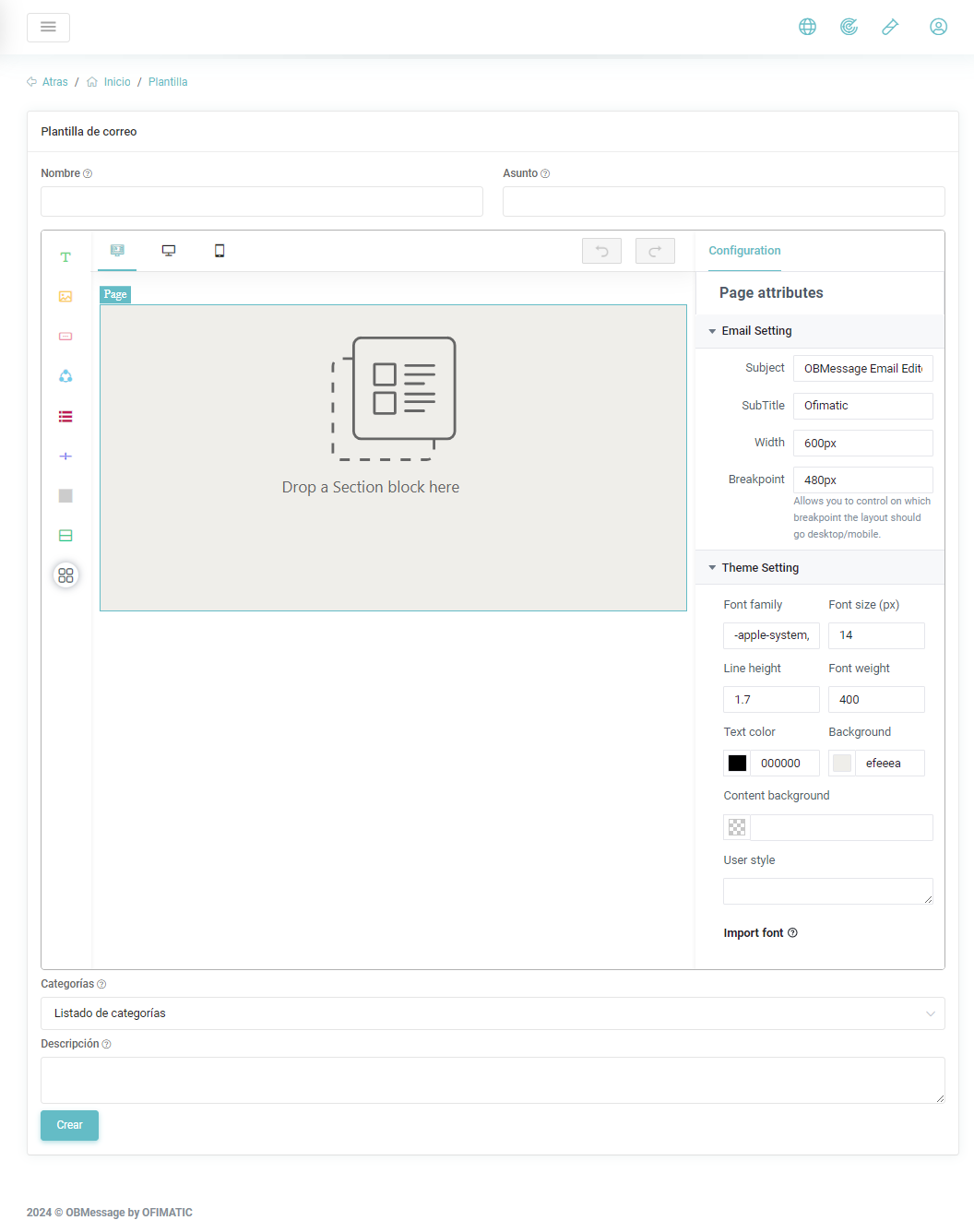
With the HTML builder, you can create templates compatible with different environments, including desktop, mobile, and web.
Functions
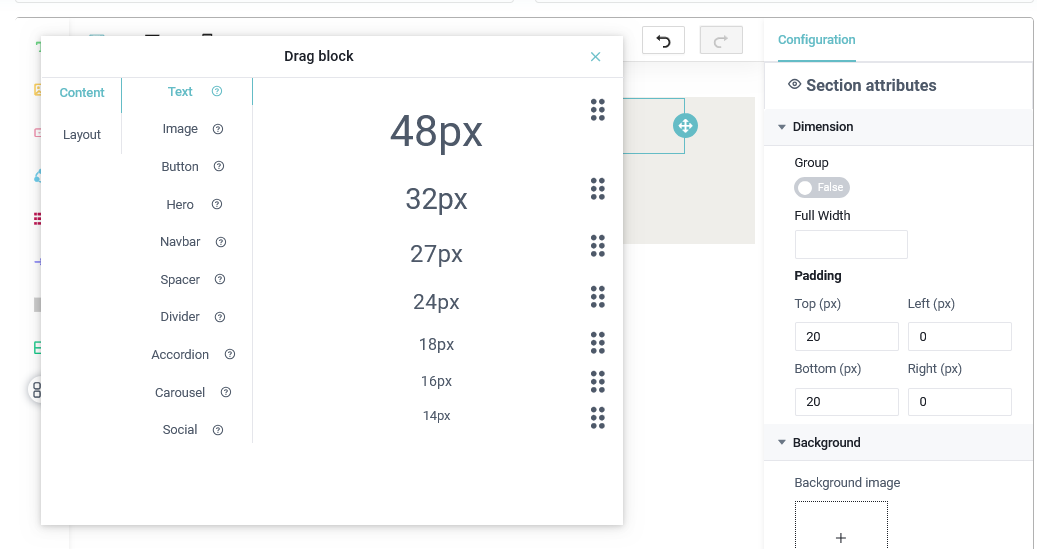
Within our builder, you can use the following functions:
- Text handler: allows you to add a customizable text box using the
Text Attributessection.
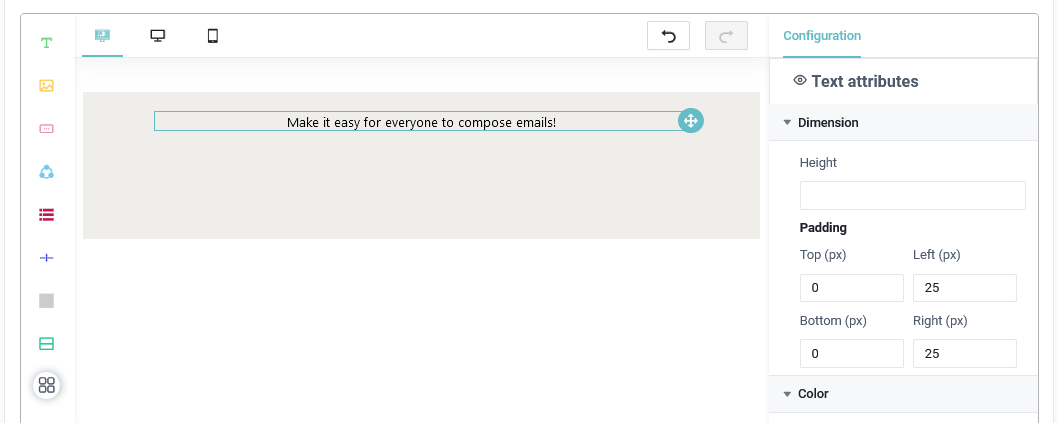
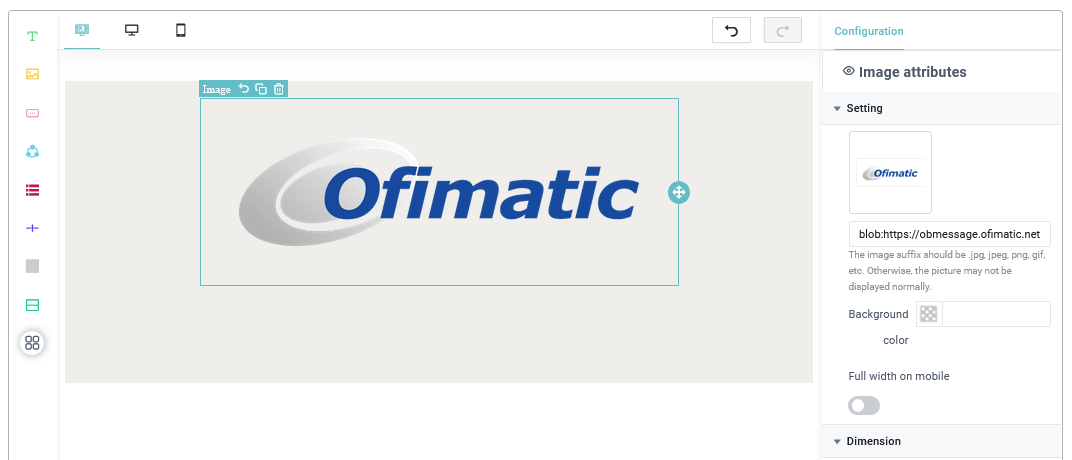
- Image handler: allows you to add an image to the email. This image can be customized or selected from the predefined options. You can modify its properties using the
Image Attributessection.
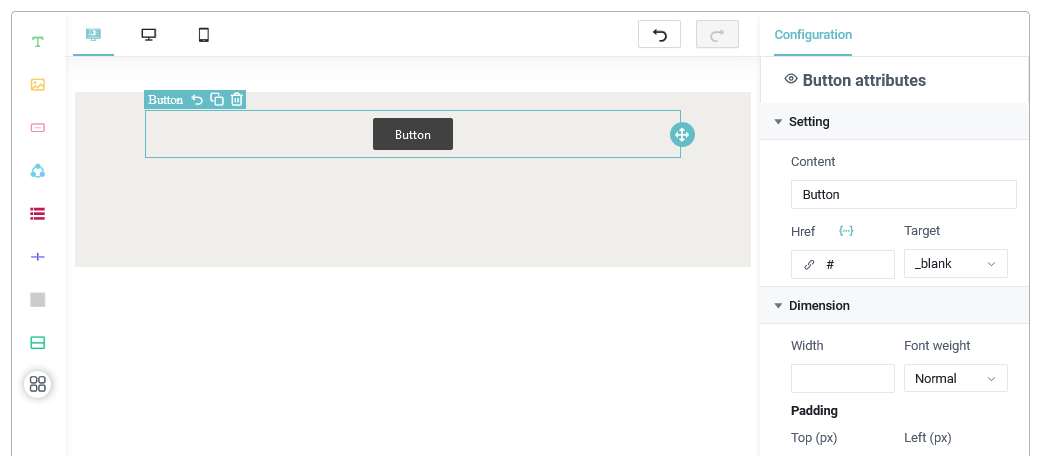
- Button handler: allows you to add buttons to templates and embed links to redirect users to another location. You can modify their properties using the
Button Attributessection.
- Social media handler: allows you to add a block with three or more social networks. You can modify its properties using the
Social Attributessection.
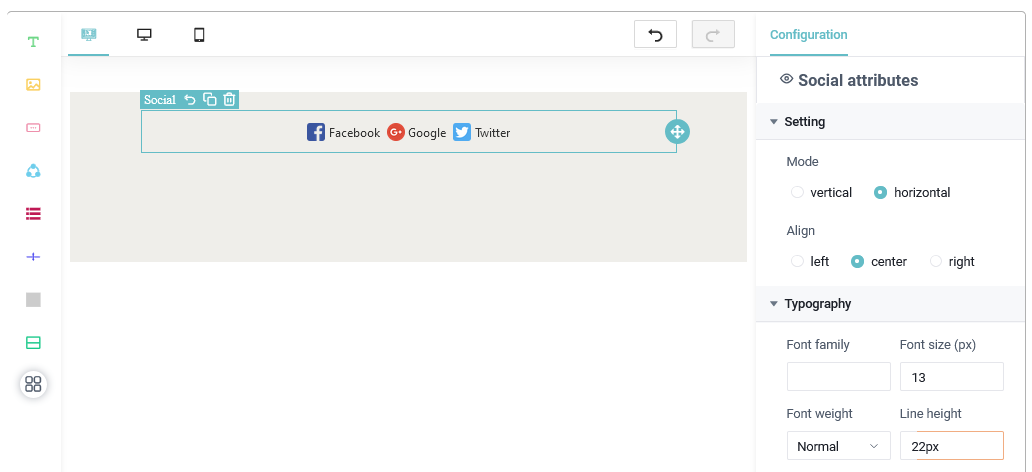
- Navigation bar handler: allows you to add a navigation bar to the email. It includes a default configuration, but it can be modified using the
NavBar Attributessection.
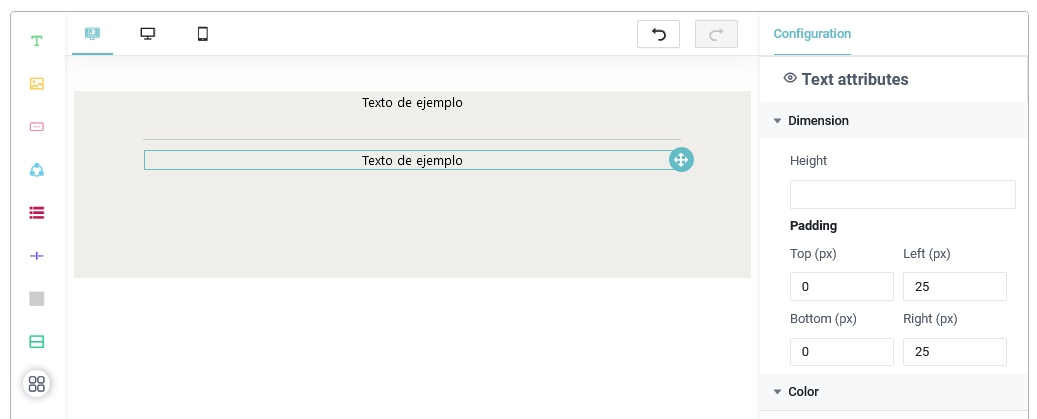
- Divider handler: allows you to add a divider bar between the contents of the template. You can modify this section using
Text Attributes.
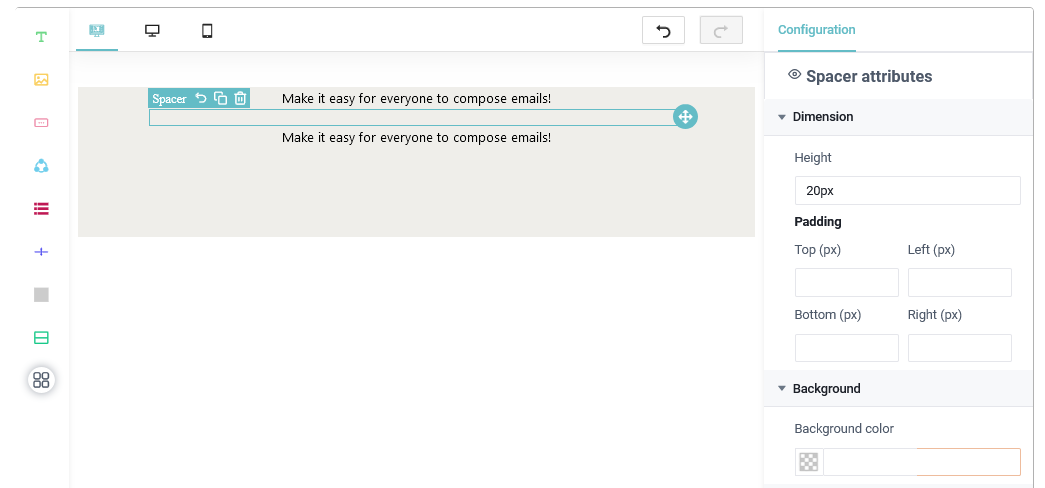
- Spacer handler: allows you to add blank spaces to separate the contents of the email template. You can modify it using
Spacer Attributes.
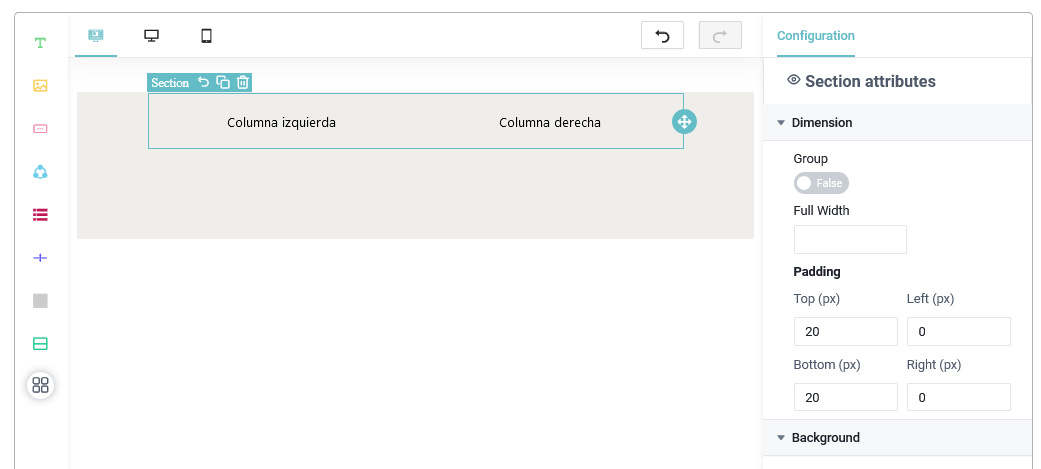
- Section handler: allows you to add a section that includes two columns by default. It can be modified using
Section Attributes.
- More options: displays a set of sections and styles for each of the functions mentioned above.
Email template
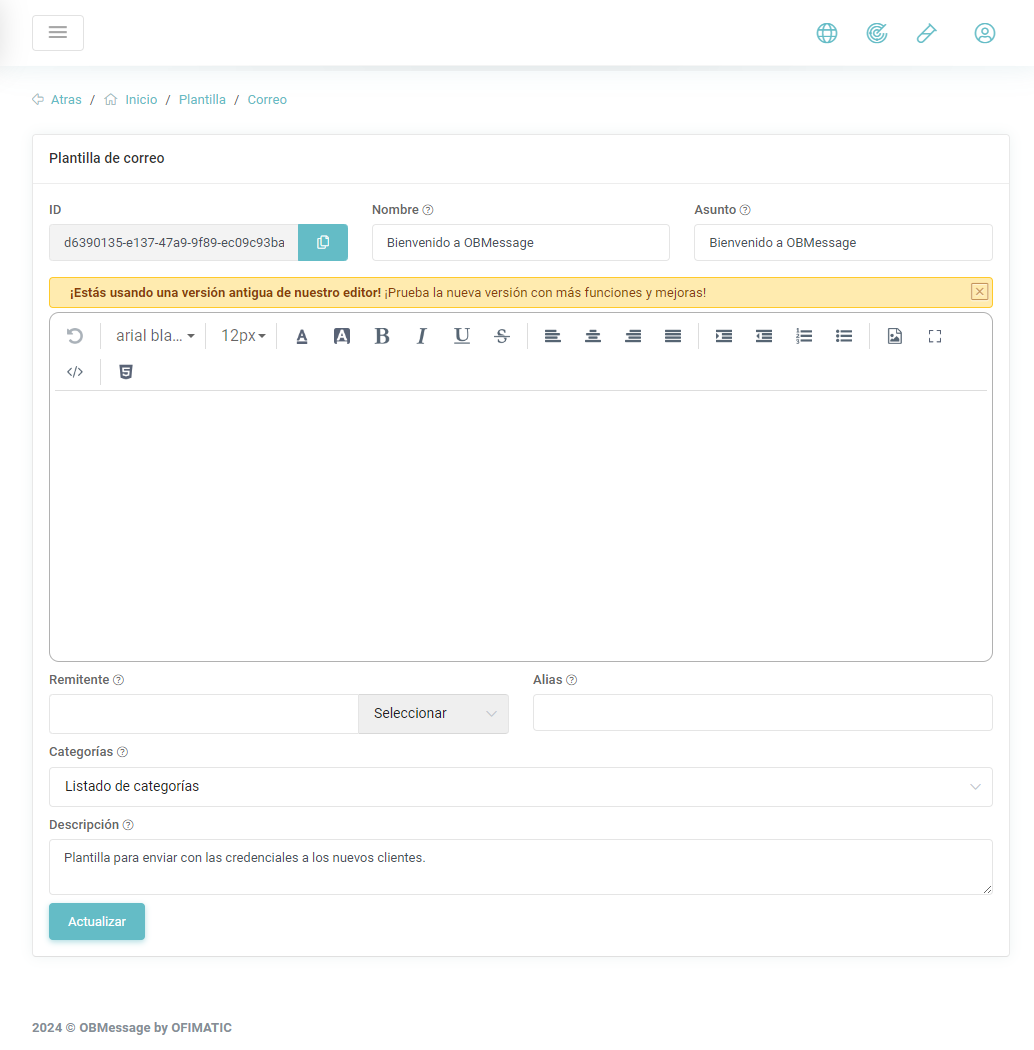
In this section, you can create a message template for email.
-
Name: unique identifier of the template.
-
Subject: title or topic related to the message body.
-
Content: field where the message body is created.
-
Category: category that will identify this template. For more information, see the category section.
-
Description: brief description of the message.
Builder change
The section shown in HTML builder will be the new way to create templates. You can continue using the previous builder, but we recommend starting to use our new email template builder.
Considerations
To save the changes, click Create, located in the lower-right corner.