Unsubscription groups
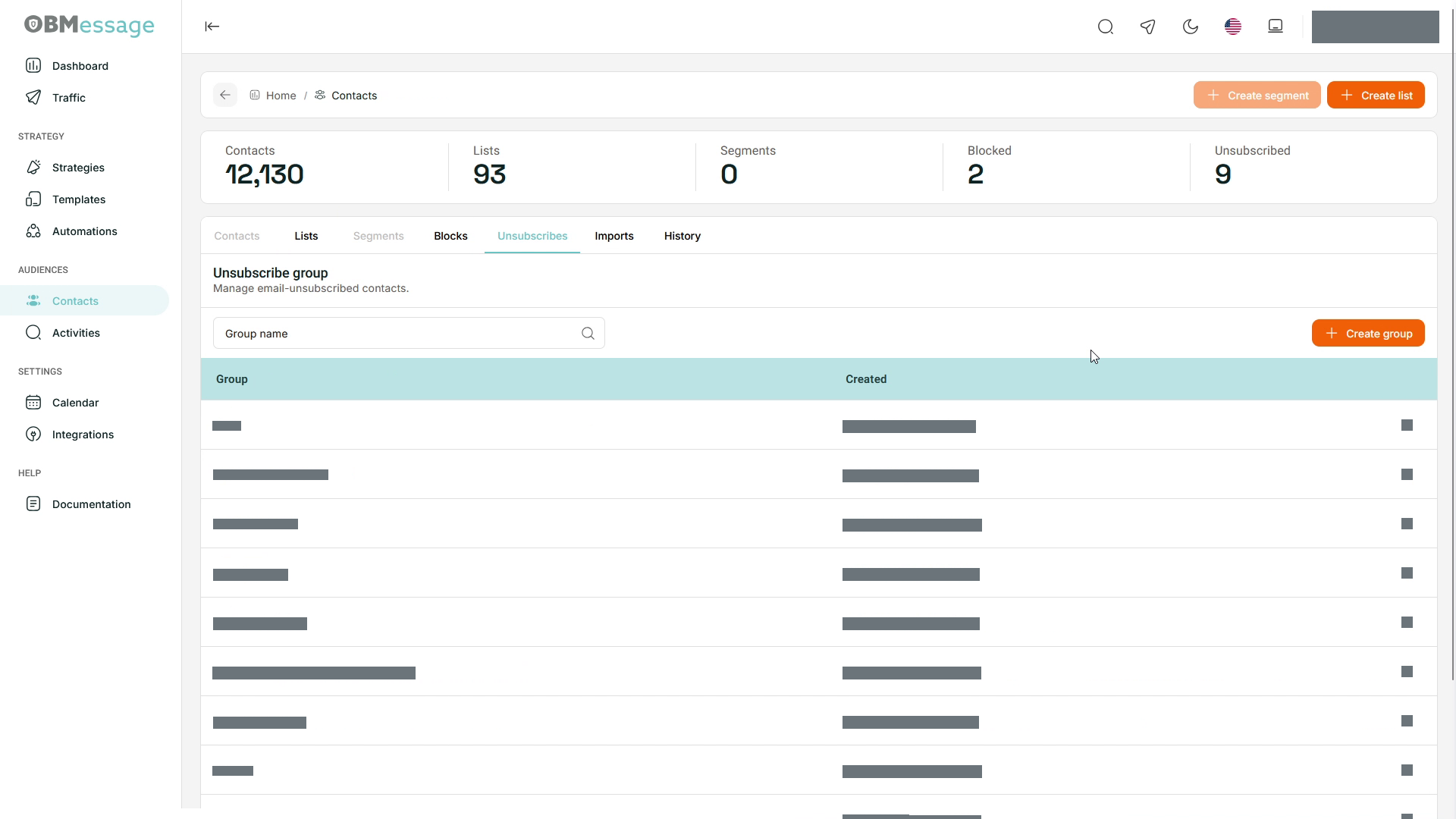
Unsubscription groups organize contacts who have opted out of email communications.
Find a group
- Open Contacts → Unsubscribes.
- Use Group name to find a group.
- Review Group and the creation date (Creado) before opening it.
Create a group
- Select Create group.
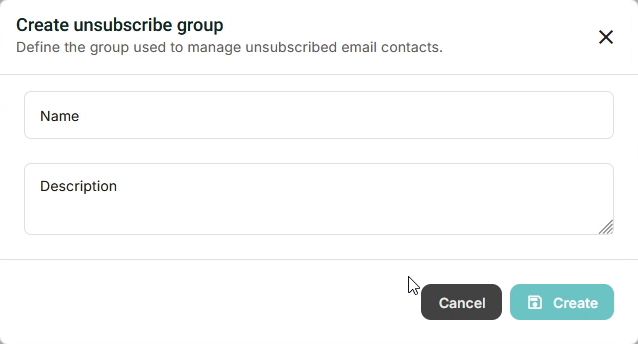
- In Create unsubscribe group, enter Name and Description.
- Select Create and check the application response.
- Find the group in the list to verify creation. Select Cancel before creating it to leave without submitting.
Review unsubscribed contacts
- Open an existing group.
- Enter an address in Email and select Search.
- Review the Group, Email, Campaign, and Date columns.
- Use Download when you need the list.
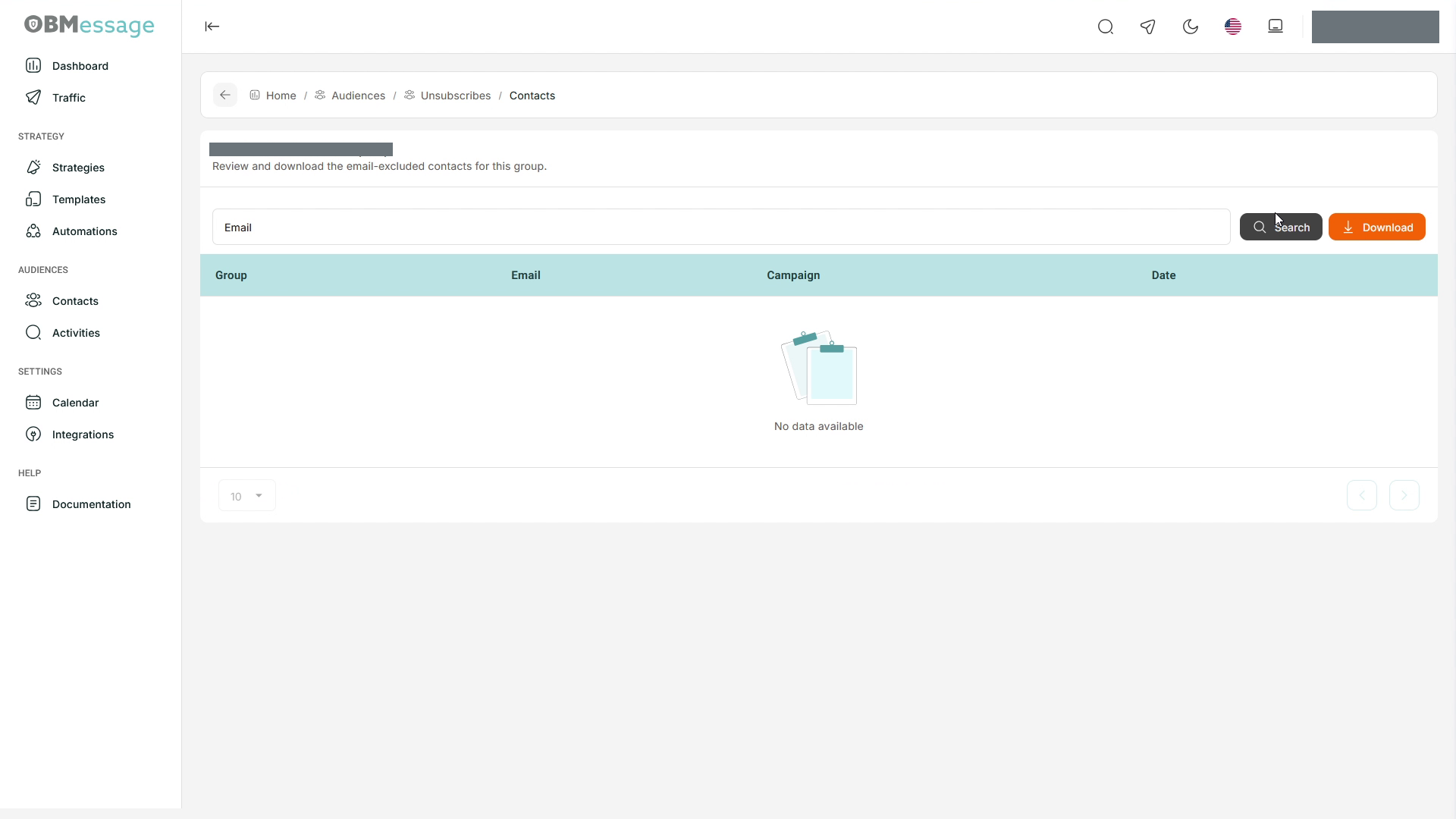
If the table is empty, check the selected group and email filter. For related tasks, see Contacts and Email strategy.